💾 Backup on the go — never lose your travel files again
Backup on the go is one of the smartest things you can do for your future self. Photos, videos, notes, and work — everything now lives on a single device. With a small setup of cloud storage, SSD, SD cards, and a quick 5-minute nightly habit, you’ll never have to say “I lost my travel photos” again.
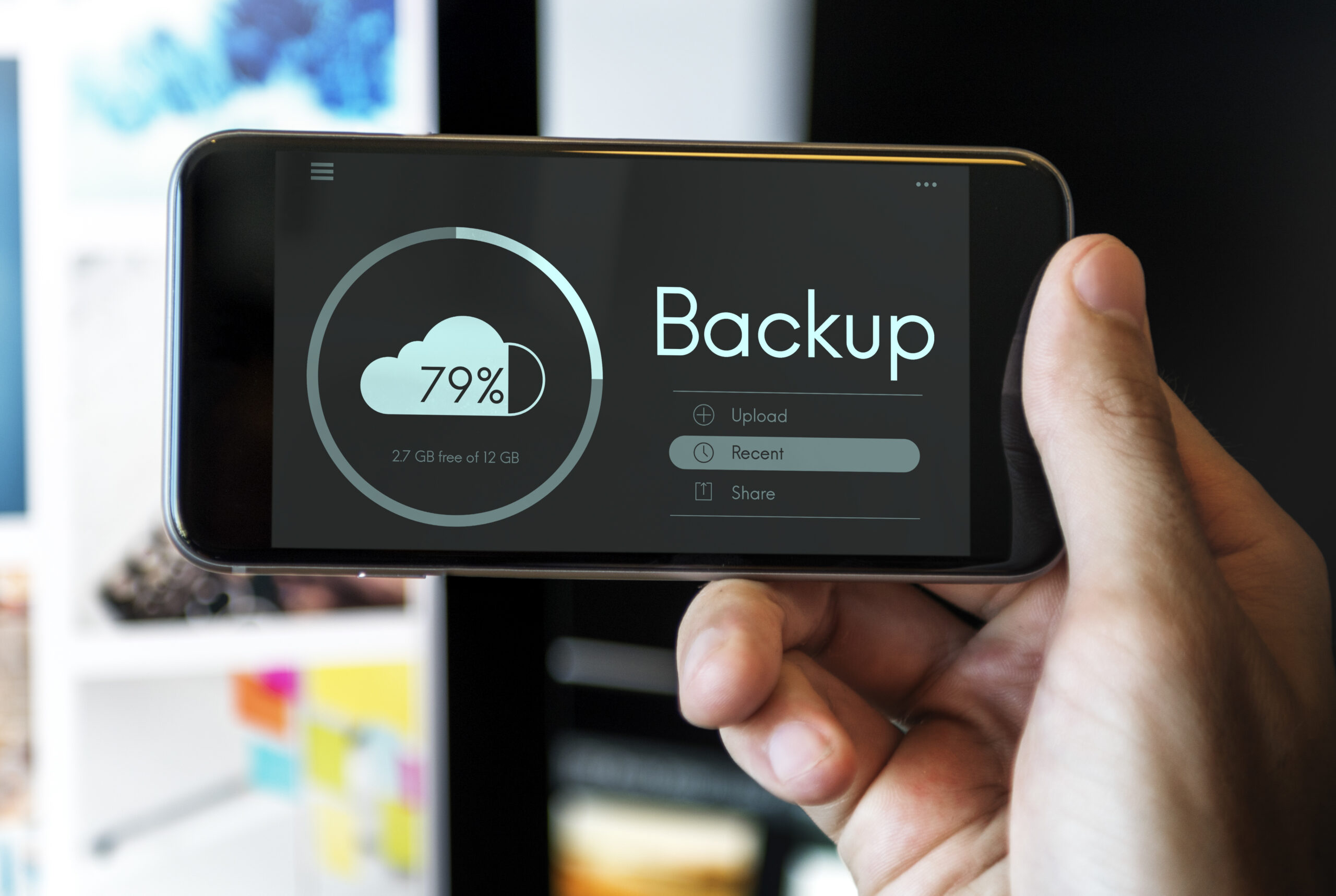
🧠 Why you need backup on the go, not “when I get home”
The most common mistake: “I’ll back up when I get home.” Until then, your phone might drop in the water, your memory card could fail, or your laptop could stay behind in an Airbnb. While traveling, your files are more vulnerable than ever.
If you shoot a lot of photos, work remotely, or create video content, a light backup-on-the-go setup saves stress and gives peace of mind. You can enjoy the islands without worrying every time you see waves near your gear.
📂 Three-layer safety system: cloud, SSD & memory cards
A simple, practical structure is all you need, consistency matters more than complexity.
- Phone or camera — where everything starts.
- Memory card — so you’re not relying on internal storage only.
- External SSD — your “golden copy” that stays safe in your room.
- Cloud — for extra security when Wi-Fi allows.
For a start, use a reliable
microSDHC 32GB memory card , or even two, to rotate them and never keep all your content on one card.
For real backup on the go, a
Samsung external SSD
is your best investment, fast, durable and compact enough for any pouch.
Transfer your files every night and sleep better knowing you have a second copy outside the camera.
To connect everything easily, you’ll also need a
card reader
for microSD cards, faster and less hassle than adapters that don’t fit right.
🌙 Nightly backup routine, five calm minutes before bed
The secret is consistency. Build a simple nightly habit before bed, or while you shower, and your future self will thank you.
- Remove the SD card from your phone or camera.
- Plug it into the card reader and open a new dated folder on your SSD.
- Copy today’s new files.
- Optionally upload key photos to Google Drive or iCloud if Wi-Fi allows.
You don’t need perfect organization while traveling, just one solid duplicate elsewhere, so if one device fails, there’s always a Plan B.
🔋 Battery & time, the other half of backup on the go
All this requires two things: battery and a few minutes. If you return to your room with a 10% phone and a dying laptop, backups just won’t happen.
A
Xiaomi 22.5W powerbank
keeps your phone or tablet charged on ferries, buses or at cafés,
so you have enough juice at night for a quick backup session without waiting by the wall socket.
☁️ Cloud backups, when it makes sense and when it doesn’t
Cloud storage is an amazing third-layer safety net, but depends entirely on Wi-Fi quality. If the connection is strong, upload your key shots each night, especially for long trips.
When the Wi-Fi is slow, don’t rely on it as your main method. Prioritize your SSD and SD cards for daily use, and save the cloud for selected highlights.
For more digital travel tools, check out the best travel apps for Greece and build your own full “digital kit” for your next island trip.